Kasm Workspaces
Table of Contents
What is Kasm Workspaces?#
- It’s a platform to stream your workspace directly to your web browser on any device and from any location.
- Browser-based access to a secure and customized work environment. Work from any location on any device.
Cloud Desktops#
- Windows/Linux Desktops
- Windows Enterprise deployments – including Microsoft Remote Desktop Servers (RDS), Azure Virtual Desktops (AVD), Fixed Servers running Remote Desktop Protocol (RDP) to Autoscaled Cloud (AWS, Azure, GCP, OCI) and On-Prem (VMWare ESXi and OpenStack).
- Containerized Desktop Infrastructure® (CDI) running on a shared Linux kernel for lightning fast boot times, less compute, memory and disk space. Develop pipeline automation streamlines security patches, software updates and maximizes performance.
Web Isolation#
- Kasm Cloud Browser
- Zero-Trust Browser Isolation SaaS. Keep your web browsing secure, private, and non-attributable with no risk of compromising your endpoint. A fully-patched, disposable browser that is destroyed after each use, eliminating all traces of malware, tracking cookies, browser history, browser caching, and session fingerprints.
Digital Investigations#
- Kasm Cloud OSINT
- Open Source Intelligence and Web Research SaaS. A zero-trust web intermediary providing security and anonymity while using research and intelligence collection tools.
Remote Access#
- Eliminates the risk of direct attacks on the internal network. This removes the endpoint from your attack surface!
Enterprise Browsers#
- The Browser is the Application! Being self-contained environment, there is no worries about Malware and Data loss
App Streaming#
- Access applications directly from your browser, no install, no maintenance.
… Cool, why should I care? How do I use it?#
- It’s a platform to stream your workspace directly to your web browser on any device and from any location!!
- Instant network obscurification!
Pre requirements:#
- Docker
- Server
- 5 minutes
Straight from their install docs, Kasm makes it really easy to get it installed and let you start playing with it
cd /tmp
curl -O https://kasm-static-content.s3.amazonaws.com/kasm_release_1.16.1.98d6fa.tar.gz
tar -xf kasm_release_1.16.1.98d6fa.tar.gz
sudo bash kasm_release/install.sh
THATS IT!#
You can navigate to the Web Application as soon as the script finishes!
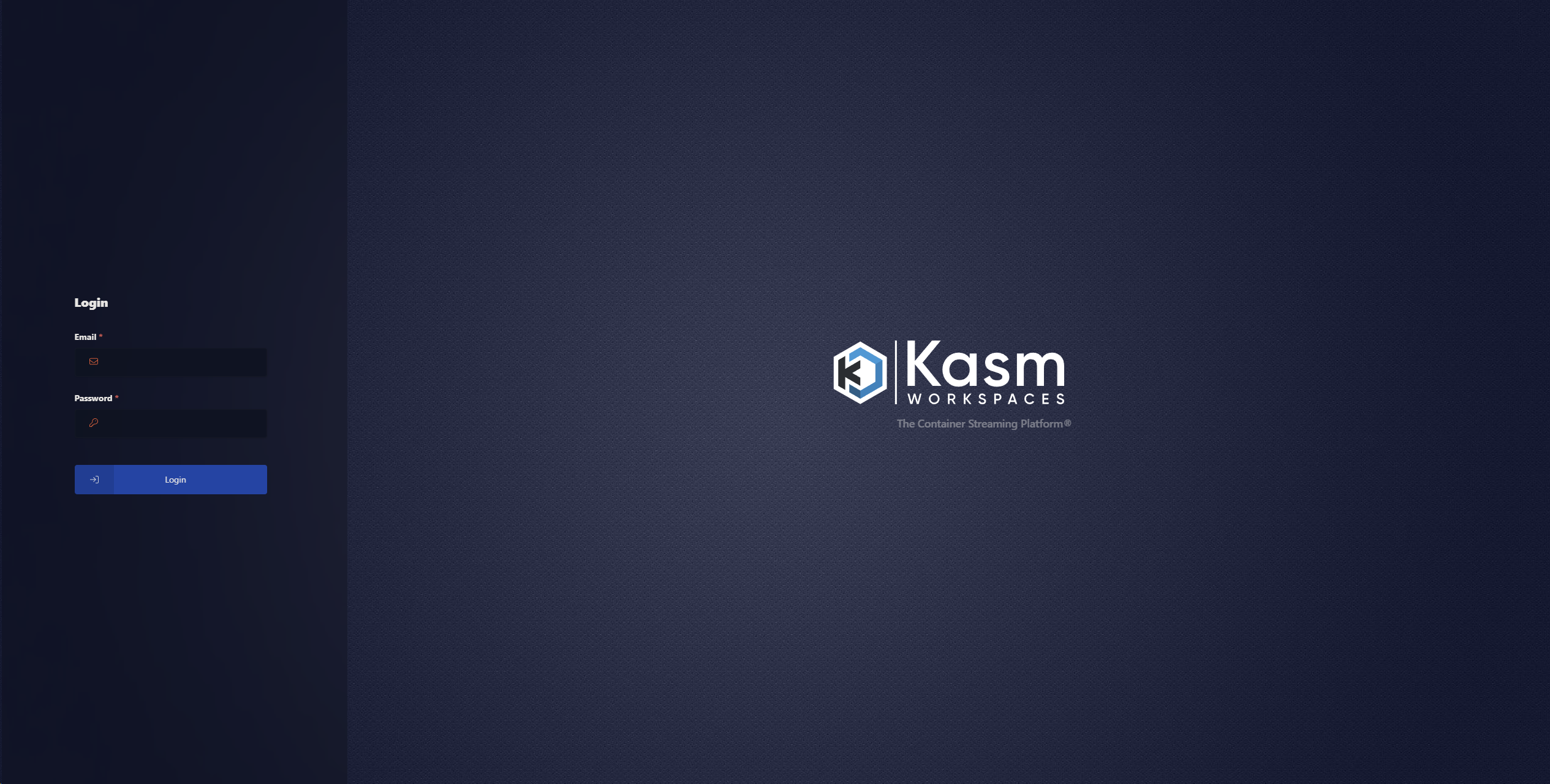
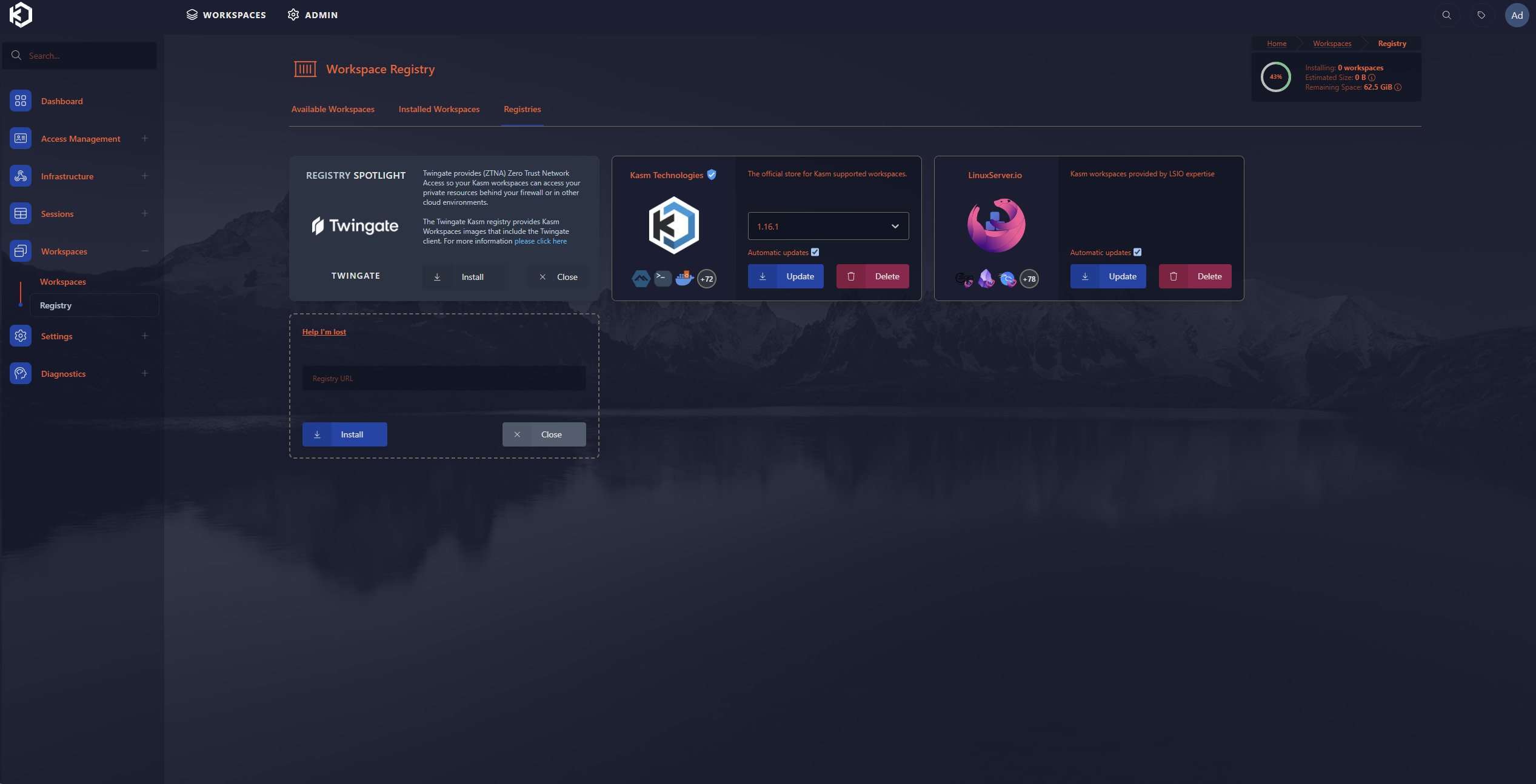
I set up a Workspace using a couple of Images that Kasm supports out of the gate but you could really use ANY Docker image you want. The way Kasm does it is through registries. You can use the ‘Kasm supported’ one or any 3rd party:
Once you have a workspace, you’re pretty much all set to try it out!
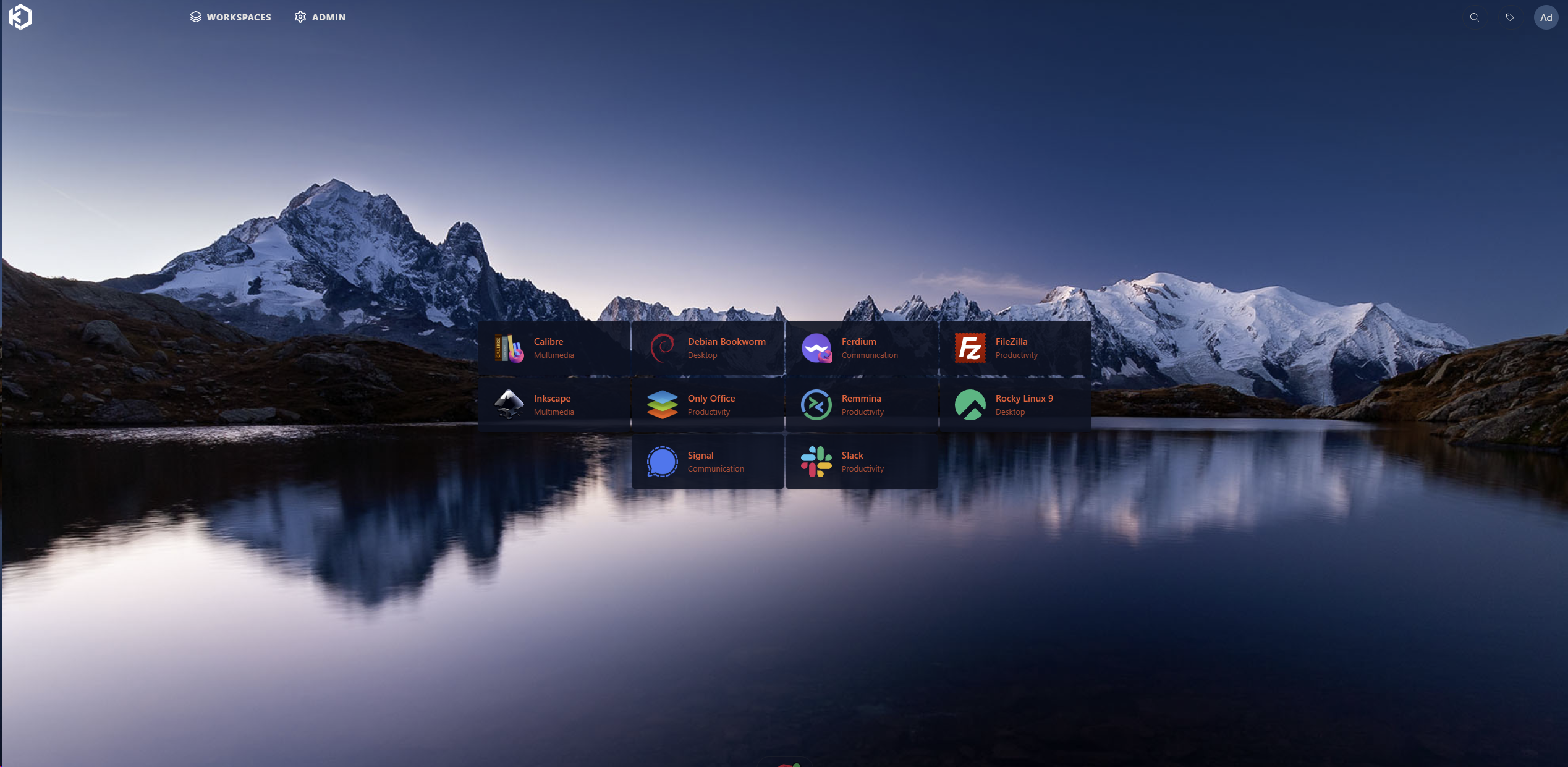
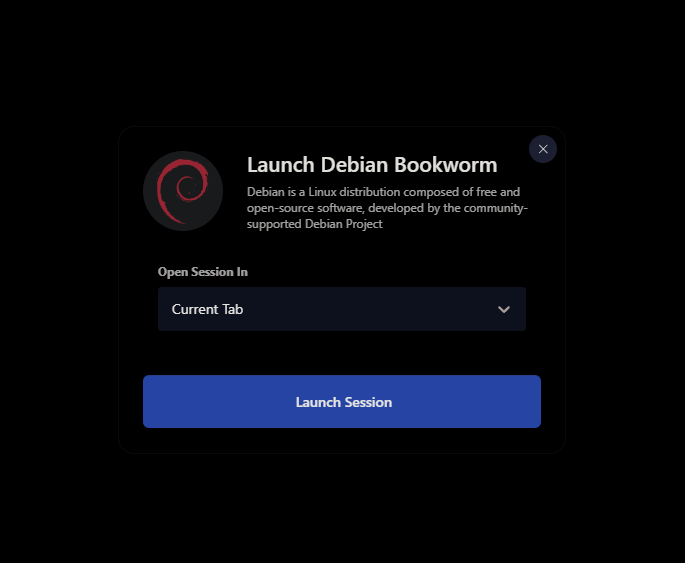
I’ll open up a Debian Bookworm desktop
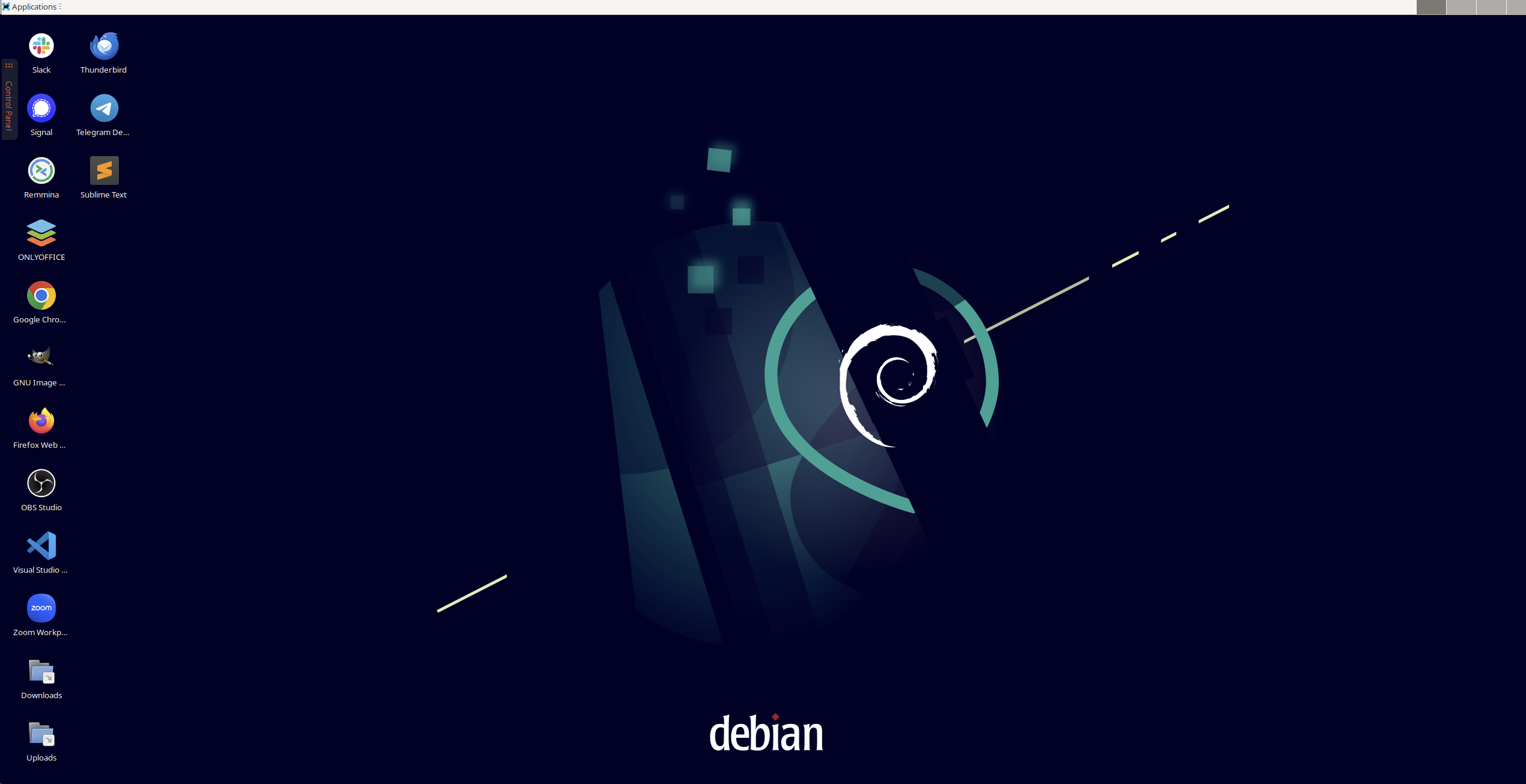
Boom, a fresh desktop I can use and then just throw away when I’m done!#
This reminds me a lot of Citrix DaaS - a product that you may see many businesses use to provide remote desktops as an alternative to having users log in with a VPN and managing BYOD. The Idea is that you can use ANY system and securely access the actual system you do stuff from, work, etc.